Mounting a TV on drywall without studs is possible and safe for TVs typically weighing between 35 to 100 pounds, provided you use the correct heavy-duty drywall anchors and follow installation instructions precisely. While studs offer the most secure mounting, specialized anchors like toggle bolts or dedicated no-stud mounting systems can distribute weight effectively across the drywall, ensuring your television remains safely on the wall.
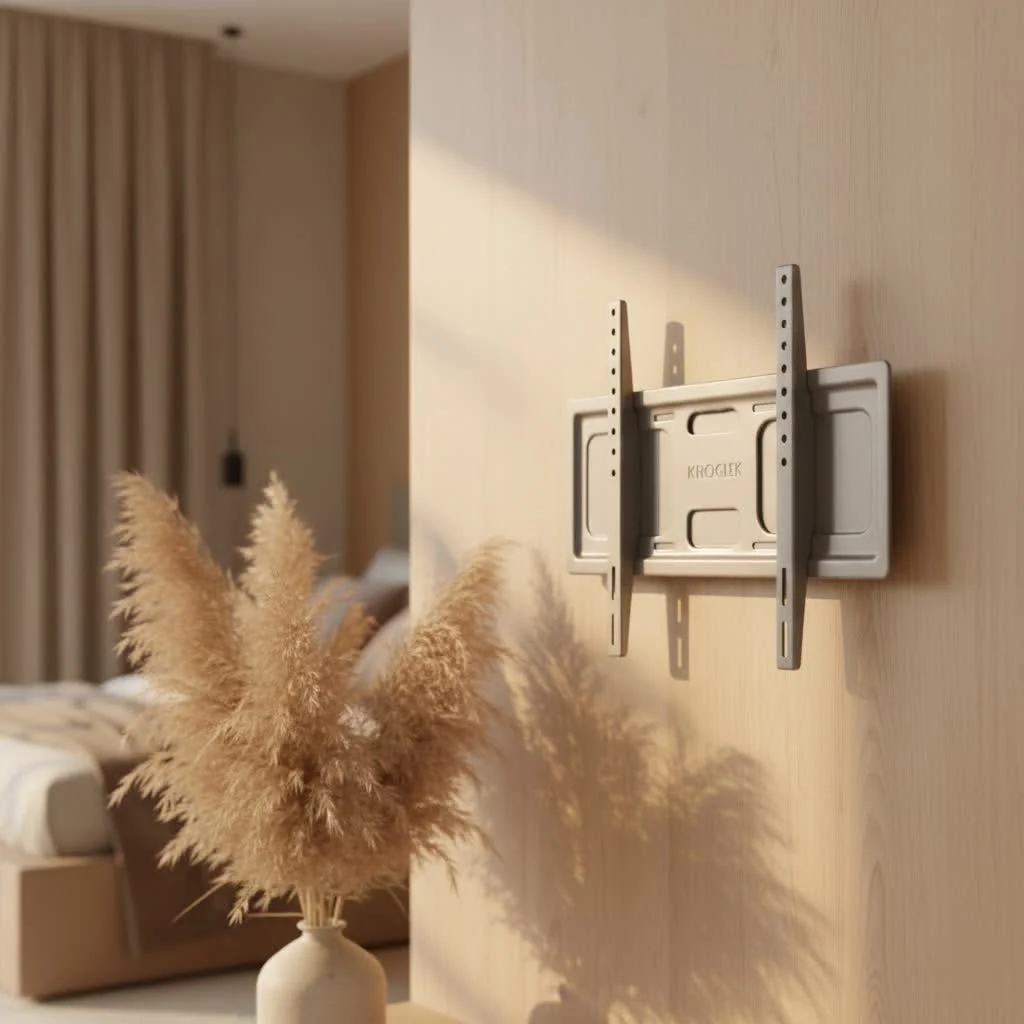
Understanding Your Wall: Drywall Basics and Why Studs Matter
First, let’s understand your wall. Drywall, also known as plasterboard or gypsum board, is the most common interior wall material. It’s excellent for creating smooth surfaces, but it’s essentially a sheet of gypsum plaster sandwiched between paper. On its own, a standard sheet of drywall typically supports only about 20 to 30 pounds of direct weight without additional support. This is why simply screwing a TV mount directly into drywall without proper anchors is risky and can lead to wall damage and a fallen TV. For browse all tv mounts articles on this site.
Behind the drywall, you’ll find the structural backbone of your wall: the studs. These vertical wooden (or sometimes metal) beams are incredibly strong and designed to bear significant weight. Securing your TV mount directly into two studs leverages the maximum strength your wall offers, providing the most secure installation possible for your screen. This is always our top recommendation at Dikfu.com.
Can You Mount a TV on Drywall Without Studs? The Real Talk on Weight Limits
Is a drywall TV mount without studs a safe option? The short answer is yes, if done correctly and with the right hardware. However, this comes with crucial caveats, especially regarding the weight of your television. Drywall mounting without studs generally works for moderate-weight TVs, usually ranging from 35 to 100 pounds, depending on the anchors used.
Most modern TVs, especially those 55 inches and above, can weigh anywhere from 30 to 60 pounds or more. It’s absolutely vital to know the exact weight of your specific TV before you even consider mounting. Always check your TV’s manual or the manufacturer’s website; never guess!
One critical point often overlooked is the type of mount. While fixed and tilt mounts are generally more forgiving, full-motion or articulating mounts that extend away from the wall apply significant leverage and stress on the mounting points. For this reason, full-motion mounts are generally not recommended for stud-free drywall installations unless they are specifically designed for it with extensive weight distribution, or if you’re using a robust reinforcement system. The added stress dramatically increases the risk of anchor failure and potential damage.
Your Anchor Arsenal: Choosing the Right Drywall Fasteners
|
Our Picks for the Best TV Mount in 2026
As an Amazon Associate I earn from qualifying purchases.
|
||
| Num | Product | Action |
|---|---|---|
| 1 | monTEK Motorized Ceiling TV Mount for 43-86 Inch TVs, Heavy-Duty 121lbs (4X Load Tested), Off-Center VESA Compatible, Electric Flip Down with Remote/App/Voice Control, Fits Flat & Pitched Roof |

|
| 2 | USX Mount Full Motion TV Wall Mount for Most 42-90 inch Flat Screen/LED/4K, TV Mount Bracket Dual Swivel Articulating Tilt 6 Arms, Max 16\" Wood Studs, VESA 600x400mm, Holds up to 132lbs |
|
| 3 | MOUNTUP Full Motion TV Wall Mount for Most 26-60 Inch TVs, Max VESA 400x400mm Wall Mount TV Bracket with Swivel Tilting Extension Level Adjustment for LED LCD Flat Curved TVs Up to 77 LBS, MU0018 |
|
| 4 | Mounting Dream TV Wall Mount for Most 37-75 Inch TVs, Universal Tilt TV Mount Fit 16\", 18\", 24\" Stud with Loading Capacity 132lbs, Max Vesa 600 x 400mm, Low Profile Flat Wall Mount TV Bracket |
|
| 5 | Amazon Basics Full Motion Articulating TV Wall Mount, with Swivel and Tilt, for 26\" to 55\" TVs and Flat Panels up to 80 Lbs, VESA Compatible, Black |
|
| 6 | Magnetic Monitor Wall Mount for Steel Surfaces, Fits 13 to 34 Inch Screens, Holds up to 22 lbs, VESA 75/100 Compatible Wall Mount for Computer and TV Monitor, No-Drill Installation with All Screws |
|
| 7 | Pipishell Full Motion TV Wall Mount for Echo Show 21/15 and 13-43 Inch Flat Curved Screen TVs & Monitors, Max VESA 200x200mm up to 44lbs, TV Mount Wall Bracket with Rotation Swivel Tilt Extension |
|
| 8 | Perlegear Full Motion TV Wall Mount for Most 42–86 inch Flat Curved TVs up to 132 lbs, 12″/16″ Wood Studs, Bracket with Articulating Arms, Swivel, Tool-Free Tilt, Max VESA 600x400mm PGLF12 |
|
| 9 | Mounting Dream TV Wall Mount for 32-65 Inch Television,Mount with Swivel and Tilt, Full Motion Bracket with Articulating Dual Arms, Fits 16inch Studs, Max VESA 400X400 mm, 99lbs, MD2380 |
|
| 10 | USX MOUNT Full Motion TV Wall Mount for Most 32-70 inch TVs up to 99 lbs, Wall Mount Bracket with Dual Articulating Arms, Swivel, Tilt, Max VESA 400x400mm, TV Mount Fits 12”/16” Wood Studs |
|
When studs aren’t an option, specialized drywall anchors become essential. These clever devices are designed to expand or toggle behind the drywall, creating a much larger surface area to distribute the TV’s weight. But not all anchors are created equal. Let’s break down your options:
Toggle Bolts (and Snaptoggles/Flip Toggles)
These are, hands down, the champions of heavy-duty drywall mounting. Toggle bolts feature spring-loaded wings that open up behind the drywall, effectively clamping onto the back of the sheet. Modern variations like Snaptoggles are incredibly strong and easy to use, often rated to hold upwards of 238 to 356 pounds in 1/2-inch or 5/8-inch drywall per anchor. This makes them an excellent choice for securing a drywall TV mount where studs are absent. They require a larger pilot hole than other anchors, but the security they provide is well worth it.
Molly Bolts (Sleeve Type Anchors)
Molly bolts are another reliable option. They work by expanding behind the drywall as you tighten the screw, creating a secure grip. These are suitable for medium-weight applications, typically holding between 25 to 50 pounds, with some heavy-duty versions potentially supporting up to 100 pounds if properly installed. While good, they generally don’t offer the same extreme weight capacity as high-quality toggle bolts.
Self-Drilling/Threaded Anchors
These anchors are a favorite for their ease of installation; they screw directly into the drywall, often without the need for a pre-drilled pilot hole. However, they are best suited for lighter loads, generally supporting 25 to 75 pounds. While convenient, they might not be robust enough for larger, heavier televisions when used as the sole mounting solution for a drywall TV mount.
Specialized “No-Stud” Mounts
The market has seen an emergence of innovative “no-stud” TV mounts (such as those from Hangman or HangSmart). These systems often use a multitude of small nails or a wide distribution plate to spread the TV’s weight across a large section of drywall. Some are tested to hold up to 150 pounds or more. These can be excellent solutions, but it’s crucial to verify their specific weight ratings and installation instructions for your TV.
“Choosing the right anchor isn’t just about weight; it’s about peace of mind,” says David Chu, a senior installation specialist at Dikfu.com. “For anything over 30 pounds on drywall without studs, I always lean towards heavy-duty toggle bolts or a purpose-built no-stud mounting system. Never compromise on safety to save a few bucks on anchors.”
Step-by-Step: Installing Your Drywall TV Mount Safely (When Studs Are Absent)
Alright, you’ve assessed your TV’s weight, chosen the perfect mount, and selected the right anchors. Now, let’s get that TV on the wall securely. This is where precision and patience pay off.
- Gather Your Tools: You’ll need a stud finder (even if you’re not using studs, it’s good to know where they are to avoid them or use them if possible), a drill (with appropriate bits for pilot holes), a level, a tape measure, a pencil, and of course, your chosen drywall anchors and TV mount.
- Measure and Mark Your Mounting Points: Hold the mount against the wall at your desired height. Use a pencil to mark the top and bottom edges of the mount, and then carefully mark the locations for each anchor hole according to your mount’s template and the anchor’s requirements. Use your level to ensure everything is perfectly straight before drilling.
- Drill Pilot Holes: For toggle bolts and molly bolts, you’ll need to drill pilot holes of a specific diameter. Follow the anchor manufacturer’s instructions precisely – an incorrectly sized hole can compromise the anchor’s strength. For self-drilling anchors, you might not need a pilot hole.
- Install Selected Drywall Anchors: Insert your chosen anchors into the pilot holes. For toggle bolts, push the wings through until they spring open behind the drywall. For molly bolts, insert and tighten until they expand. Make sure each anchor is flush with the wall surface and feels secure.
- Attach the TV Mount Bracket: With the anchors firmly in place, align your TV mount bracket with the anchors and use the screws provided with your anchors (or mount) to secure the bracket to the wall. Tighten them firmly but avoid overtightening, which can strip the anchors or damage the drywall.
- Mount Your TV onto the Bracket: This is often a two-person job! Attach the TV-side brackets to your television. Carefully lift the TV and hook it onto the wall-mounted bracket. Many mounts have locking mechanisms or safety screws; engage them to prevent accidental dislodgement.
- Double-Check Stability and Level: Give the mounted TV a gentle but firm tug (without pulling it off the wall) to test its stability. Use your level one last time to ensure it’s perfectly horizontal.
Reinforcement Strategies: Adding Extra Peace of Mind
For those who want an extra layer of security or have a slightly heavier TV but still can’t hit studs, a mounting plate (also known as a cleat) is an excellent reinforcement strategy. This involves attaching a sturdy piece of plywood or metal to the wall first, spanning across multiple drywall anchors to distribute the weight even further. You then attach your TV mount to this plate. The plate can be painted to match your wall or cut to be completely hidden behind the TV for a seamless look.
if you ever feel uncertain or your TV’s weight pushes the limits of drywall-only mounting, don’t hesitate to consult a professional installer. Safety should always be your top priority.
Avoiding Common Pitfalls in Drywall TV Mounting
Even with the best intentions, mistakes can happen. Here are some common pitfalls to avoid when setting up your drywall TV mount:
- Overestimating Drywall Strength: This is the most common and dangerous mistake. Never assume drywall alone can hold your TV. Always use appropriate anchors or hit studs.
- Using the Wrong Type or Insufficient Number of Anchors: Using light-duty anchors for a heavy TV, or not using enough anchors for the load, will inevitably lead to failure. Read the anchor’s weight rating and the mount’s instructions carefully.
- Not Checking for Wires or Pipes: Before drilling, use a stud finder with AC wire detection or carefully consider where electrical wires and plumbing might run to avoid costly damage.
- Ignoring Manufacturer’s Instructions: Both your TV mount and your chosen anchors come with specific installation instructions. These are not suggestions; they are critical for safe and secure installation. Deviating from them can void warranties and create hazards.
FAQs about Drywall TV Mounts
Q: How much weight can drywall hold for a TV?A: On its own, drywall can typically only support 20-30 pounds. However, with the right heavy-duty anchors like toggle bolts, a drywall TV mount can safely hold TVs ranging from 35 to over 100 pounds, depending on the anchor type and proper installation.
Q: Is it really safe to mount a TV on drywall without studs?A: Yes, it can be safe if you use appropriate heavy-duty drywall anchors designed for the TV’s weight and follow all installation instructions precisely. It’s crucial to understand the weight limits of your anchors and ensure they are suitable for your TV.
Q: What type of anchors are best for mounting a TV on drywall?A: Toggle bolts, especially modern versions like Snaptoggles, are generally considered the strongest and most reliable anchors for mounting a TV on drywall without studs. They provide superior holding power by distributing weight over a larger area behind the wall.
Q: Can I use a full-motion mount on drywall without studs?A: Full-motion mounts are generally not recommended for drywall-only installations because they create significant leverage and stress on the anchors. Fixed or tilt mounts are safer options when studs are unavailable, unless a specialized “no-stud” full-motion system or substantial wall reinforcement is used.
Q: How do I find studs in my wall?A: The most reliable way is to use an electronic stud finder. Slowly slide it across the wall until it indicates the presence of a stud. You can also try tapping the wall; a solid sound indicates a stud, while a hollow sound means drywall. Studs are typically spaced 16 or 24 inches on center.
Conclusion
Mounting your TV on drywall, even without the luxury of studs, is absolutely achievable with the right knowledge, tools, and a commitment to safety. By understanding the limitations of drywall, selecting the appropriate heavy-duty anchors, and meticulously following installation guidelines, you can create a secure and aesthetically pleasing setup for your home entertainment. Here at Dikfu.com, we believe that every homeowner can tackle these projects with confidence. So, take a deep breath, trust your research, and get ready to enjoy your perfectly mounted drywall TV mount – knowing it’s as secure as can be.
Installing Your Drywall TV Mount Safely Without Studs
This procedure outlines the steps to securely install a TV mount on drywall when wall studs are not available, using appropriate heavy-duty anchors.
Collect all necessary tools including a stud finder, drill, level, tape measure, pencil, chosen drywall anchors, and TV mount. Hold the mount against the wall at the desired height and mark the top, bottom, and anchor hole locations using a pencil and level to ensure straightness.
Drill pilot holes of the specific diameter required by your chosen anchors, following the manufacturer's instructions precisely. Insert the anchors into the pilot holes; for toggle bolts, push wings through until they spring open, and for molly bolts, insert and tighten until they expand. Ensure each anchor is flush and secure.
Align the TV mount bracket with the firmly installed anchors. Use the screws provided with your anchors or mount to secure the bracket to the wall. Tighten them firmly, but avoid overtightening to prevent stripping the anchors or damaging the drywall.
Attach the TV-side brackets to your television. With assistance, carefully lift the TV and hook it onto the wall-mounted bracket, engaging any locking mechanisms or safety screws. Gently tug the mounted TV to test its stability and use a level one last time to confirm it is perfectly horizontal.
Get our weekly buyer guide
Practical specs, not advice. Unsubscribe anytime.
Finally, a clear explanation of how to safely mount a TV on drywall! I’ve always been told you HAVE to find a stud, but my ideal viewing spot just didn’t have one. The info on gypsum board and how it supports weight was really insightful. My 55-inch TV is now perfectly mounted, and it looks fantastic.
I was so nervous about mounting my 65-inch TV without hitting a stud, but this guide gave me the confidence to try. The toggle bolts mentioned were a lifesaver! My TV feels incredibly secure, and I didn’t have to hire anyone. Definitely recommend following these steps if you’re in a similar situation.
I tried one of the no-stud mounting systems for my bedroom TV, which is about 30 pounds. While it’s up, I found the instructions for the specific anchor type a bit confusing to follow. It took me longer than I expected to get it level, and I still feel a tiny bit nervous about it, even though it seems stable.
This was really helpful for understanding the weight limits for drywall. I have a 40-pound TV, and I was worried it might be too heavy for a no-stud mount. The explanation about how specialized anchors distribute weight made a lot of sense. Installation was pretty straightforward, and it’s holding up great.