As someone who’s spent over 15 years knee-deep in TV mount installations, I’ve seen firsthand how a well-chosen and expertly installed mount can transform a living space. It’s not just about getting your TV on the wall; it’s about optimizing your viewing experience, reclaiming valuable floor space, and adding a touch of modern elegance to your home. When it comes to finding the right hardware and support, Best Buy is often a go-to for many, offering a vast selection and professional services. Let’s dive deep into how you can pick the perfect Best Buy TV mount for your needs, ensuring a safe, secure, and visually stunning setup.
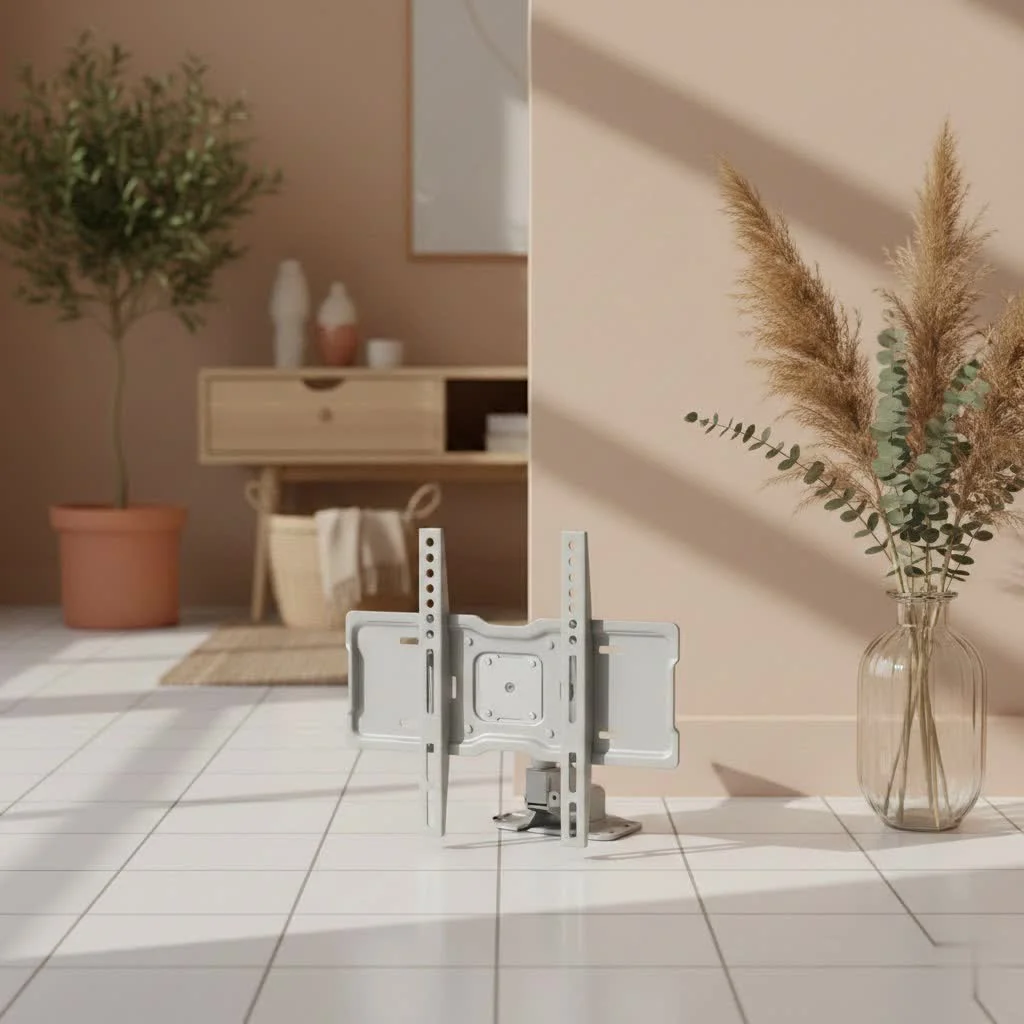
Understanding Your Options: Types of Best Buy TV Mounts
Before you even think about drilling holes, it’s crucial to understand the different types of TV mounts available. Best Buy, known for its extensive electronics offerings, carries a wide range to suit almost any preference. Each type offers distinct advantages, depending on your room layout and viewing habits.
Fixed TV Mounts: The Sleek, Low-Profile Choice
If you’re after a clean, minimalist look where your TV sits almost flush against the wall, a fixed TV mount is your best bet. These mounts are incredibly sturdy and keep your television in a permanent, non-adjustable position. They’re ideal for rooms where your primary seating area is directly in front of the TV and at an optimal viewing height. Fixed mounts are generally the most affordable and easiest to install, making them a popular choice for many. Best Buy offers various fixed mounts, including options from brands like Sanus, known for their slim designs.
Tilting TV Mounts: Perfect for Glare Reduction and Vertical Adjustments
Do you often find yourself battling glare from windows or overhead lighting? A tilting TV mount could be your savior. These mounts allow you to adjust your TV vertically, typically tilting it a few degrees up or down. This subtle adjustment can dramatically improve your viewing comfort by eliminating reflections and providing a better line of sight if your TV is mounted slightly higher than eye level, such as above a fireplace. They maintain a relatively low profile while offering that essential flexibility. Best Buy features advanced tilt mounts that extend slightly for easier cable access.
Full-Motion (Articulating) TV Mounts: The Ultimate in Flexibility
For those who demand maximum versatility, a full-motion, or articulating, TV mount is the way to go. These mounts extend, retract, swivel, and tilt, allowing you to pull your TV away from the wall, turn it left or right, and adjust its vertical angle. This makes them perfect for open-concept living spaces, corner installations, or bedrooms where you might want to watch TV from different spots. While generally pricier and requiring a bit more installation precision, the freedom they offer is unmatched. Many customers praise the “Best Buy essentials” full-motion mounts for their sturdiness and ease of adjustment.
Specialty Mounts: Corner, Ceiling, and No-Stud Options
Beyond the three main types, Best Buy also caters to unique installation scenarios. You can find mounts designed specifically for corners, which often utilize the flexibility of full-motion arms. Ceiling mounts are an excellent solution when wall space is limited or if you need to hang a TV in a more central location, perhaps in a garage or basement. And for those with drywall but no conveniently located studs, “no-stud” TV mounts offer a clever solution, often using a series of small nails to distribute the weight across a wider area. Echogear, a brand carried by Best Buy, offers such innovative no-drill, no-stud options.
How to Choose the Right Best Buy TV Mount: A Step-by-Step Guide
|
Our Picks for the Best TV Mount in 2026
As an Amazon Associate I earn from qualifying purchases.
|
||
| Num | Product | Action |
|---|---|---|
| 1 | Amazon Basics Full Motion Articulating TV Wall Mount, with Swivel and Tilt, for 26\" to 55\" TVs and Flat Panels up to 80 Lbs, VESA Compatible, Black |

|
| 2 | MOUNTUP Full Motion TV Wall Mount for Most 26-60 Inch TVs, Max VESA 400x400mm Wall Mount TV Bracket with Swivel Tilting Extension Level Adjustment for LED LCD Flat Curved TVs Up to 77 LBS, MU0018 |
|
| 3 | USX Mount Full Motion TV Wall Mount for Most 42-90 inch Flat Screen/LED/4K, TV Mount Bracket Dual Swivel Articulating Tilt 6 Arms, Max 16\" Wood Studs, VESA 600x400mm, Holds up to 132lbs |
|
| 4 | Mounting Dream TV Wall Mount for Most 37-75 Inch TVs, Universal Tilt TV Mount Fit 16\", 18\", 24\" Stud with Loading Capacity 132lbs, Max Vesa 600 x 400mm, Low Profile Flat Wall Mount TV Bracket |
|
| 5 | Pipishell Full Motion TV Wall Mount for Echo Show 21/15 and 13-43 Inch Flat Curved Screen TVs & Monitors, Max VESA 200x200mm up to 44lbs, TV Mount Wall Bracket with Rotation Swivel Tilt Extension |
|
| 6 | Magnetic Monitor Wall Mount for Steel Surfaces, Fits 13 to 34 Inch Screens, Holds up to 22 lbs, VESA 75/100 Compatible Wall Mount for Computer and TV Monitor, No-Drill Installation with All Screws |
|
| 7 | Mounting Dream TV Wall Mount for 32-65 Inch Television,Mount with Swivel and Tilt, Full Motion Bracket with Articulating Dual Arms, Fits 16inch Studs, Max VESA 400X400 mm, 99lbs, MD2380 |
|
| 8 | monTEK Motorized Ceiling TV Mount for 43-86 Inch TVs, Heavy-Duty 121lbs (4X Load Tested), Off-Center VESA Compatible, Electric Flip Down with Remote/App/Voice Control, Fits Flat & Pitched Roof |
|
| 9 | Perlegear Full Motion TV Wall Mount for Most 42–86 inch Flat Curved TVs up to 132 lbs, 12″/16″ Wood Studs, Bracket with Articulating Arms, Swivel, Tool-Free Tilt, Max VESA 600x400mm PGLF12 |
|
| 10 | USX MOUNT Full Motion TV Wall Mount for Most 32-70 inch TVs up to 99 lbs, Wall Mount Bracket with Dual Articulating Arms, Swivel, Tilt, Max VESA 400x400mm, TV Mount Fits 12”/16” Wood Studs |
|
Selecting the ideal Best Buy TV mount isn’t just about picking your preferred style; it involves a careful consideration of several technical factors. Skipping these steps can lead to compatibility issues or, worse, an unsafe installation.
1. Know Your TV: Size, Weight, and VESA Pattern
This is absolutely non-negotiable.
- TV Size: While mount packaging usually lists a range of compatible screen sizes (e.g., 40″-90″), this is more of a guideline.
- TV Weight: The mount’s weight capacity is critical. Always choose a mount that can safely support your TV’s weight. You can usually find your TV’s weight in its manual or on the manufacturer’s website.
- VESA Pattern: The VESA standard refers to the four-hole pattern on the back of your TV where the mount attaches. It’s measured in millimeters (e.g., 200x200mm, 400x400mm). Your mount must match your TV’s VESA pattern. Most mount packages list the VESA patterns they support.
“Always double-check your TV’s VESA pattern and weight before buying any mount,” advises Maya Lin, Dikfu.com’s lead installation technician. “It’s the foundational step to ensuring both compatibility and safety.”
2. Assess Your Wall: Studs, Drywall, Brick, Concrete
The type of wall you plan to use dictates the mounting hardware and installation method.
- Wood Studs: The most common and secure method. You’ll need a reliable stud finder to locate the center of the wooden studs behind your drywall.
- Metal Studs: Less common in residential homes, but require specific metal stud anchors.
- Drywall (without studs): This is where no-stud mounts come in. Standard drywall alone cannot support a TV’s weight with regular anchors. Always use a mount designed for studless installation or ensure you hit studs.
- Brick or Concrete: These sturdy surfaces require specialized masonry drill bits and anchors. Best Buy’s professional installation services can handle these more complex wall types.
3. Consider Your Viewing Needs: Angle, Glare, Room Layout
Think about how you use your space.
- Do you mostly watch from one spot? A fixed mount might be fine.
- Is glare a problem, or is the TV mounted high? A tilting mount offers relief.
- Do you need to adjust the TV to view it from different areas (kitchen, dining room, different seating)? A full-motion mount provides the flexibility you need.
4. Budget and Brand: Best Buy’s Own Essentials and Premium Brands
Best Buy offers mounts across various price points.
- Best Buy Essentials: Their house brand provides sturdy and effective mounts, often lauded by customers for their value. Many reviewers appreciate their ease of installation and full-motion capabilities for the price.
- Premium Brands: Sanus and Echogear are highly respected brands known for their robust construction and innovative features. While they might come at a higher price, they often offer superior build quality, smoother operation, and advanced features like post-installation leveling.
DIY vs. Professional Installation: Getting Your Best Buy TV Mount Setup
Once you’ve chosen your Best Buy TV mount, the next big decision is how to get it on the wall. While many DIY enthusiasts can tackle the job, sometimes calling in the pros is the smartest move.
DIY Installation Essentials: Tools, Safety Tips, Marking Studs
If you’re confident with basic tools, mounting a TV yourself can be rewarding. Here’s what you’ll typically need:
- Tools: A stud finder, level (a longer one is often better), measuring tape, painter’s tape, a Phillips head screwdriver, a drill with appropriate bits (for pilot holes), and a socket wrench. Always read your specific mount’s manual for exact tool requirements.
- Safety First: Always have a helper. TVs, especially larger ones, are heavy and awkward. Never attempt to lift and hang a TV alone. Ensure all anchors and screws are securely fastened.
- Marking Up: Use painter’s tape to mark stud locations and the desired TV height. A common recommendation is to have the center of the TV at eye level from your main viewing position. Measure twice, drill once!
- Cable Management: Plan your cable routing before drilling. This will help you keep things tidy once the TV is up.
Best Buy Geek Squad Installation: What to Expect from Professional Services
For peace of mind or if you’re dealing with a large, heavy TV or complex wall type (like brick or concrete), Best Buy’s Geek Squad offers professional TV mounting services.
- Expertise: Geek Squad agents are trained to handle various TV sizes, mount types, and wall materials. They can assess your space, recommend optimal placement, and ensure a secure installation.
- Convenience: They handle the heavy lifting, unboxing, and assembly. This is particularly appealing for larger TVs (56″ to 90″ and even larger).
- Additional Services: Geek Squad can also conceal cables within the wall (using in-wall rated cables, which are usually sold separately), connect your video devices, and configure smart TV settings. These are often add-on services, so be sure to discuss your needs when scheduling.
- Warranty: Best Buy’s TV services are backed by a 90-day limited workmanship warranty, adding an extra layer of assurance.
Mastering Cable Management and Aesthetics
A beautifully mounted TV can quickly lose its appeal if a tangle of cables is hanging beneath it. Effective cable management is crucial for a clean, professional look.
Simple Solutions for Organized Cables
- Cable Ties and Sleeves: For external cables, simple hook-and-loop cable ties or flexible cable sleeves can bundle wires together, making them less noticeable.
- On-Wall Raceway Kits: These are plastic channels that adhere to your wall, allowing you to hide cables discretely. They can often be painted to match your wall color.
- Behind-TV Power Relocation: Some Best Buy mounts, like the “Best Buy Essentials Full Motion TV Wall Mount,” even integrate features for running power and HDMI cables, eliminating the need for an outlet directly behind the TV.
In-Wall Cable Concealment Options
For the most seamless look, in-wall cable concealment is the gold standard. This involves routing cables through the wall itself.
- DIY Kits: You can purchase DIY in-wall cable management kits that provide everything you need to safely route low-voltage cables (like HDMI and optical audio) behind your drywall. Remember, local electrical codes usually prohibit running standard power cords inside walls without a specialized in-wall power extension kit.
- Professional Service: Geek Squad can perform in-wall cable concealment for you, especially if you have an intricate setup or prefer not to tackle the job yourself.
Common TV Mount Installation Mistakes and How to Avoid Them
Even with the best intentions, mistakes can happen during TV mount installation. Being aware of them can save you a lot of headache (and potential damage to your TV or wall!).
- Incorrect VESA Compatibility: As mentioned, this is paramount. Using a mount with the wrong VESA pattern can prevent secure attachment or even damage your TV’s mounting holes. Always verify.
- Missing Studs or Improper Anchors: Relying solely on drywall anchors for a heavy TV is a recipe for disaster unless you are using a specifically designed “no-stud” mount. Always locate studs and use appropriate lag bolts for maximum security in wood or metal studs, or specialized anchors for masonry.
- Over-Tightening Screws: While you want your mount secure, over-tightening the bolts that connect the mount to your TV can strip the threads or even crack the TV’s casing. Follow the manufacturer’s torque recommendations.
- Not Leveling Properly: A crooked TV is an eyesore. Use a high-quality level repeatedly throughout the installation process—when marking pilot holes, attaching the wall bracket, and finally, when hanging the TV. Many modern mounts offer post-installation leveling adjustments, which are a lifesaver for fine-tuning.
Frequently Asked Questions about Best Buy TV Mounts
Q: Does Best Buy sell all types of TV mounts?
A: Yes, Best Buy offers a comprehensive range of TV mounts, including fixed, tilting, and full-motion (articulating) options, as well as specialty mounts like corner and ceiling mounts. They stock popular brands like Sanus and Echogear, along with their own “Best Buy essentials” line.
Q: Can Geek Squad install any TV mount, even if I didn’t buy it from Best Buy?
A: Yes, Best Buy’s Geek Squad can install a TV mount regardless of where you purchased the mount or the TV itself. You simply need to select the appropriate installation service.
Q: How do I find the VESA pattern for my TV?
A: You can typically find your TV’s VESA pattern in its user manual, on the manufacturer’s website under specifications, or by measuring the horizontal and vertical distance (in millimeters) between the mounting holes on the back of your TV.
Q: What’s the average cost for Best Buy TV mount installation?
A: The cost for Best Buy TV mount installation varies depending on the TV size, the complexity of the wall surface, and any additional services you choose, such as in-wall cable concealment. Basic installation starts around $249.99, with add-ons increasing the price. It’s best to check their current service pricing or chat with an expert for a personalized quote.
Q: Are “no-stud” TV mounts reliable for larger TVs?
A: “No-stud” TV mounts, such as those from Echogear carried at Best Buy, are designed to distribute weight across drywall using multiple small nails, making them surprisingly strong. While many are rated for TVs up to 100 lbs, always check the specific mount’s weight capacity and ensure it matches your TV’s weight for reliable and safe installation.
Conclusion
Choosing and installing the ideal Best Buy TV mount is more than just a home improvement project; it’s an investment in your viewing pleasure and the aesthetic appeal of your space. By understanding the different types of mounts, meticulously checking your TV’s specifications, assessing your wall, and deciding between a confident DIY approach or professional Geek Squad assistance, you can achieve a flawless installation. Embrace the power of a securely mounted TV to free up space, enhance viewing angles, and give your home entertainment setup the professional finish it deserves. Take the leap, and you’ll wonder how you ever lived without it!
Get our weekly buyer guide
Practical specs, not advice. Unsubscribe anytime.
