So, you’ve invested in a magnificent 75-inch television – congratulations! That’s a truly immersive viewing experience waiting to happen. But here’s the million-dollar question: where do you put it? A standard TV stand might not offer the stability or ergonomic flexibility you need, and not everyone wants to drill into their walls for a traditional mount. This is where a high-quality TV stand with an integrated mount steps in, offering the best of both worlds for your substantial screen.
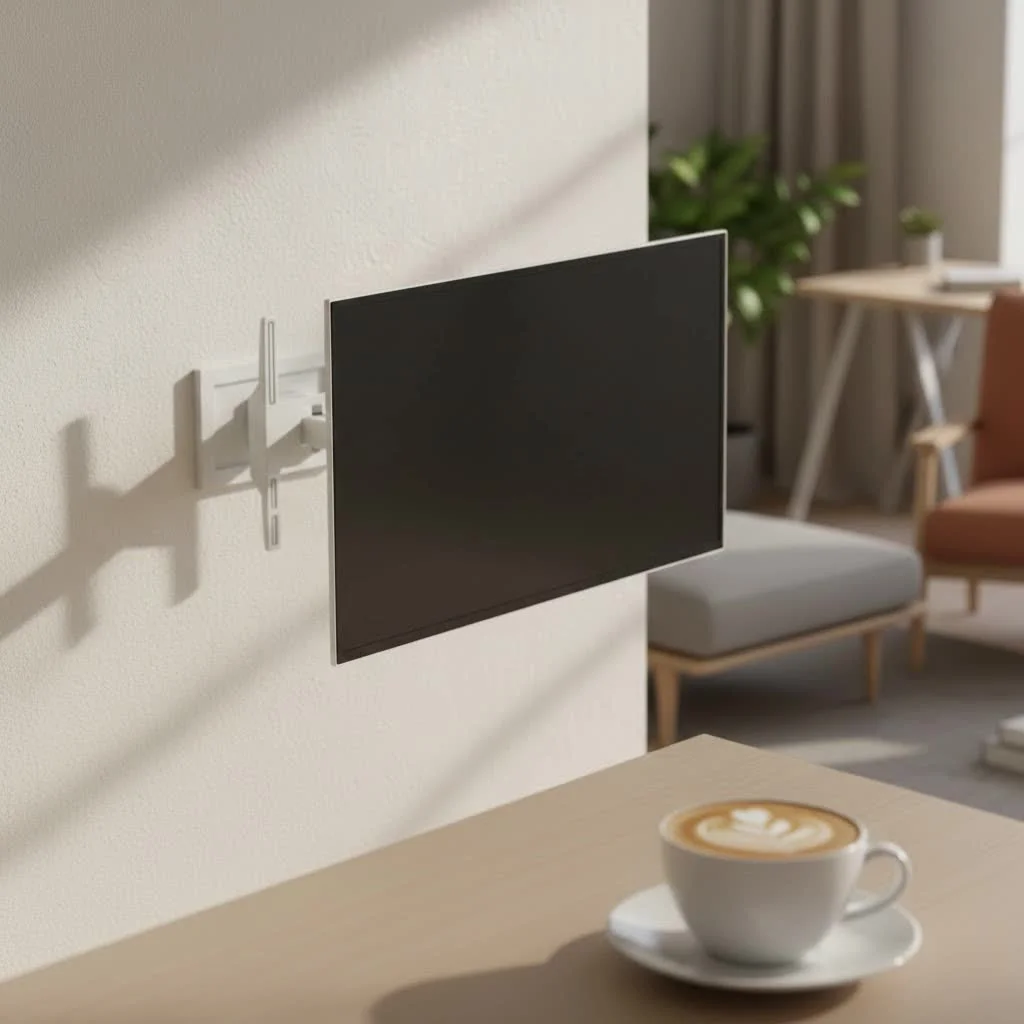
As a seasoned expert at Dikfu.com, I’ve seen countless setups, and I can tell you that picking the right foundation for your 75-inch TV is not just about aesthetics; it’s about safety, optimal viewing, and creating a truly polished entertainment hub. Let’s dive into everything you need to know to make an informed choice.
Why a TV Stand with an Integrated Mount?
Why bother with a stand that has a mount when you could just use a regular stand or a wall mount? The answer lies in a blend of practicality and premium experience.
Space-Saving Elegance
One of the biggest advantages is liberating your walls from drilling. For renters, this is a game-changer, but even homeowners appreciate the flexibility. An integrated mount means your TV is securely suspended above the stand itself, often with a smaller footprint than a traditional stand that requires the TV’s feet to sit on top. It gives you that sleek, floating look without the commitment to permanent wall fixtures.
Enhanced Viewing Flexibility
Imagine being able to swivel your massive 75-inch TV effortlessly to face different seating areas, or tilt it slightly to banish that annoying glare from a window. Many TV stands with mounts offer these crucial adjustments. Unlike fixed wall mounts or the static feet that come with your TV, these stands provide dynamic viewing angles, making every spot in the room the “best seat.”
Superior Stability and Safety
A 75-inch TV is a significant piece of technology, often weighing between 70 and 100 pounds. Placing such a heavy screen directly on a stand can be precarious, especially if you have pets or small children. An integrated mount securely fastens your TV to a sturdy pillar or frame, distributing the weight safely and significantly reducing the risk of accidental tipping. This built-in security is paramount for such a large investment.
Streamlined Aesthetics and Cable Management
No one enjoys a tangled mess of wires detracting from their pristine entertainment setup. Many TV stands with mounts come with thoughtful cable management systems, like clips or hollow pillars, that allow you to route all your power and HDMI cords neatly out of sight. This creates a clean, sophisticated look that truly lets your 75-inch TV be the star of the show, rather than its accompanying spaghetti of cables.
Understanding Your 75-Inch TV’s Needs
Before you even start browsing, you need to get intimate with your television’s specifications.
Dimensions and Weight: The Foundation of Your Choice
|
Our Picks for the Best TV Mount in 2026
As an Amazon Associate I earn from qualifying purchases.
|
||
| Num | Product | Action |
|---|---|---|
| 1 | USX Mount Full Motion TV Wall Mount for Most 42-90 inch Flat Screen/LED/4K, TV Mount Bracket Dual Swivel Articulating Tilt 6 Arms, Max 16\" Wood Studs, VESA 600x400mm, Holds up to 132lbs |

|
| 2 | Amazon Basics Full Motion Articulating TV Wall Mount, with Swivel and Tilt, for 26\" to 55\" TVs and Flat Panels up to 80 Lbs, VESA Compatible, Black |
|
| 3 | Pipishell Full Motion TV Wall Mount for Echo Show 21/15 and 13-43 Inch Flat Curved Screen TVs & Monitors, Max VESA 200x200mm up to 44lbs, TV Mount Wall Bracket with Rotation Swivel Tilt Extension |
|
| 4 | USX MOUNT Full Motion TV Wall Mount for Most 32-70 inch TVs up to 99 lbs, Wall Mount Bracket with Dual Articulating Arms, Swivel, Tilt, Max VESA 400x400mm, TV Mount Fits 12”/16” Wood Studs |
|
| 5 | monTEK Motorized Ceiling TV Mount for 43-86 Inch TVs, Heavy-Duty 121lbs (4X Load Tested), Off-Center VESA Compatible, Electric Flip Down with Remote/App/Voice Control, Fits Flat & Pitched Roof |
|
| 6 | Perlegear Full Motion TV Wall Mount for Most 42–86 inch Flat Curved TVs up to 132 lbs, 12″/16″ Wood Studs, Bracket with Articulating Arms, Swivel, Tool-Free Tilt, Max VESA 600x400mm PGLF12 |
|
| 7 | Mounting Dream TV Wall Mount for Most 37-75 Inch TVs, Universal Tilt TV Mount Fit 16\", 18\", 24\" Stud with Loading Capacity 132lbs, Max Vesa 600 x 400mm, Low Profile Flat Wall Mount TV Bracket |
|
| 8 | Magnetic Monitor Wall Mount for Steel Surfaces, Fits 13 to 34 Inch Screens, Holds up to 22 lbs, VESA 75/100 Compatible Wall Mount for Computer and TV Monitor, No-Drill Installation with All Screws |
|
| 9 | Mounting Dream TV Wall Mount for 32-65 Inch Television,Mount with Swivel and Tilt, Full Motion Bracket with Articulating Dual Arms, Fits 16inch Studs, Max VESA 400X400 mm, 99lbs, MD2380 |
|
| 10 | MOUNTUP Full Motion TV Wall Mount for Most 26-60 Inch TVs, Max VESA 400x400mm Wall Mount TV Bracket with Swivel Tilting Extension Level Adjustment for LED LCD Flat Curved TVs Up to 77 LBS, MU0018 |
|
A 75-inch TV, measured diagonally, typically has a width of around 65.4 inches and a height of about 36.8 inches, excluding its bezel or frame. Its depth can be a slim 2-3 inches, but its weight can be substantial, ranging from 70 to over 100 pounds.
- Pro Tip from Dikfu: Always measure your specific TV model and compare it to the stand’s stated capacity. Don’t just go by the diagonal screen size; the actual width is crucial for the stand’s footprint and aesthetic balance. For a 75-inch TV, a stand between 75 and 85 inches wide is generally recommended for optimal support and a proportional look. [cite: 3 (from first search)]
VESA Compatibility: The Universal Language of Mounts
VESA stands for Video Electronics Standards Association, and it dictates the standardized hole patterns on the back of your TV used for mounting. This pattern is measured in millimeters (width x height), such as 400x400mm or 600x400mm. It’s absolutely critical that the mount on your chosen TV stand matches your TV’s VESA pattern.
- Expert Insight: “Failing to check VESA compatibility is one of the most common pitfalls people encounter,” says Alex Chen, our lead mounting specialist at Dikfu. “It’s like trying to fit a square peg in a round hole – it simply won’t work, and you could damage your TV or the mount.”
Key Features to Look for in a 75-Inch TV Stand with Mount
Now that you understand your TV’s requirements, let’s explore the features that truly matter.
Weight Capacity and Stability: Non-Negotiables
Given the weight of a 75-inch TV, the stand’s weight capacity is paramount. Always choose a stand rated to support more than your TV’s actual weight. A robust, wide base, often made of tempered glass or heavy-duty steel, ensures stability and prevents any wobbling. Look for materials and construction that feel solid and dependable.
Adjustability is Key: Height, Swivel, and Tilt
- Height Adjustment: The ideal viewing height places the center of your screen at eye level when you’re comfortably seated. For a 75-inch TV, this often means the bottom edge of the screen is about 24 inches from the floor, positioning the center at roughly 42 inches. Many stands with mounts offer multiple height settings, allowing you to fine-tune this for your specific seating arrangement.
- Swivel Function: A swivel range of +/- 20-30 degrees can significantly improve viewing in larger rooms or open-concept spaces.
- Tilt Feature: A slight upward or downward tilt (e.g., 5-8 degrees) can effectively reduce glare from windows or overhead lighting, enhancing your viewing comfort.
Smart Cable Management Solutions
Integrated cable clips, channels within the stand’s pillar, or cutouts in shelves are crucial for keeping your setup looking clean and preventing unsightly cable clutter. These small details make a huge difference in the overall presentation of your entertainment area.
Material and Design: Style Meets Substance
TV stands come in a vast array of materials and styles, from sleek modern tempered glass and metal designs to warm, rustic wood finishes. Consider your existing décor and choose a stand that complements it. The stand should enhance your room, not just serve a functional purpose.
Integrated Storage and Shelving
Think about your other media components: soundbars, gaming consoles, streaming devices, and Blu-ray players. A good TV stand with a mount often provides shelves or cabinets to neatly house these items, keeping your space organized and functional.
Types of TV Stands with Mounts for Large Screens
Not all TV stands with mounts are created equal. Here’s a quick rundown of the popular types:
Freestanding Floor Stands
These are often characterized by a single, sturdy column rising from a stable base, with the TV mount attached to the column. They offer excellent height adjustment, swivel, and sometimes tilt. Many are mobile, featuring discreet wheels, making them perfect for dynamic spaces or presentations.
Tabletop Pedestal Mounts
If you already have a TV console or cabinet you love, but your 75-inch TV’s factory feet are too wide or lack adjustability, a tabletop pedestal mount is your answer. These sit directly on your existing furniture, replacing the original feet and providing height adjustment, swivel, and tilt without the need for a full new stand. They’re a fantastic way to upgrade your viewing experience without replacing your entire furniture piece.
Full Entertainment Centers with Mounts
Some larger entertainment centers or media consoles integrate a mounting solution directly into their design. These are comprehensive furniture pieces that offer extensive storage, a large surface area, and a secure mounting point for your TV, creating a cohesive and grand statement in your living space.
Installation Tips for Your 75-Inch TV Stand with Mount
Even with the best stand, proper installation is key to safety and enjoyment.
1. Read the Manual (Seriously!)
Every manufacturer has specific instructions. Do not assume you know how to assemble it. The manual will detail component lists, step-by-step assembly, and crucial safety warnings.
2. Team Lift: Safety First for Heavy TVs
A 75-inch TV is heavy and unwieldy. Always enlist the help of another person (or two!) when lifting the TV onto the mount. Proper lifting techniques are essential to prevent injury to yourself and damage to your TV.
3. Check VESA and Hardware
Before attaching the TV, confirm that the mounting brackets align perfectly with your TV’s VESA pattern. Use only the hardware provided or recommended by the stand manufacturer for your specific TV model to ensure a secure fit. [cite: 4 (from first search)]
4. Secure All Connections
Once the TV is on the mount, double-check that all bolts, screws, and safety locks are fully tightened. Many mounts include safety features to prevent the TV from accidentally dislodging, so make sure these are engaged.
5. Route Cables Neatly
Take advantage of any integrated cable management features. Neatly bundling and routing cables through the designated channels will protect them from damage, prevent tripping hazards, and maintain the clean aesthetic of your setup.
Common Mistakes to Avoid
Even seasoned DIYers can make errors. Here are a few common pitfalls to steer clear of:
- Underestimating Weight and Size: Never assume your existing stand or a new one can handle a 75-inch TV just by looking at it. Always check the specifications.
- Ignoring VESA Patterns: A mismatch here means your TV simply won’t attach securely. This is a fundamental compatibility check that must not be skipped.
- Overlooking Cable Management: What starts as one or two cables can quickly become an unsightly tangle. Plan for cable routing during installation.
- Incorrect Viewing Height: Mounting your TV too high or too low leads to neck strain and a less immersive experience. Use the “eye-level when seated” rule as your guide.
Frequently Asked Questions
How wide should a TV stand be for a 75-inch TV?
For a 75-inch TV, which is typically around 65.4 inches wide, it’s recommended to choose a TV stand that is wider than the television itself for both stability and aesthetic balance. Aim for a stand that is between 75 to 85 inches wide to ensure ample support and a proportional look. [cite: 2, 3 (from first search)]
Are TV stands with mounts safe for large TVs?
Yes, TV stands with integrated mounts are designed to be very safe for large TVs, provided you choose one with an adequate weight capacity and VESA compatibility. The mount secures the TV directly to the stand’s robust frame, offering significantly more stability and tip-over protection compared to simply placing the TV on its factory feet.
What is VESA, and why is it important for my TV stand with mount?
VESA (Video Electronics Standards Association) refers to the standard mounting hole patterns on the back of your TV. It’s crucial because the mount on your TV stand must perfectly match your TV’s VESA pattern (e.g., 400x400mm) to ensure a secure and compatible attachment. [cite: 4 (from first search)]
Can I adjust the height of my TV on a stand with a mount?
Absolutely! One of the primary benefits of a TV stand with an integrated mount is its height adjustability. Most models offer multiple height settings, allowing you to position your 75-inch TV at the ideal eye-level for comfortable viewing from your seating area.
Do TV stands with mounts offer swivel or tilt functions?
Many modern TV stands with integrated mounts feature both swivel and tilt functions. Swivel allows you to rotate your 75-inch TV horizontally to different angles, while tilt enables you to adjust the vertical angle to reduce glare and optimize your viewing experience from various positions in the room.
How do I hide cables with a TV stand that has a mount?
TV stands with mounts often incorporate clever cable management systems. Look for features like hollow central pillars, cable clips along the frame, or strategically placed cutouts in shelves. These elements allow you to route and conceal all your power and HDMI cables, keeping your entertainment area tidy and visually appealing.
Elevate Your Entertainment
Choosing the right TV stand with a mount for your 75-inch TV is about more than just finding a place to put your screen; it’s about optimizing your viewing experience, ensuring safety, and enhancing the aesthetic of your living space. By focusing on weight capacity, VESA compatibility, adjustability, and smart cable management, you can confidently select a solution that truly complements your magnificent television and brings your home entertainment to the next level. Ready to transform your viewing area? Share your perfect setup with us at Dikfu.com – we’d love to see it!
Get our weekly buyer guide
Practical specs, not advice. Unsubscribe anytime.
